Teach the AI about your shop once, and it keeps answering for you
No coding, no AI expertise needed — just enter the answers you already repeat to customers every day.
The 10 questions you answer every single day
Think about the questions your shop gets asked the most — how much does it cost, how long does shipping take, which branches do you have, what payment methods do you accept, when does stock expire, can I return it.
These questions eat up the most staff time, and the answer is basically the same every time.
The knowledge base is where you write those answers once, and the bot picks them up to reply — freeing your staff to spend time on the customers with genuinely hard questions.
What you can add
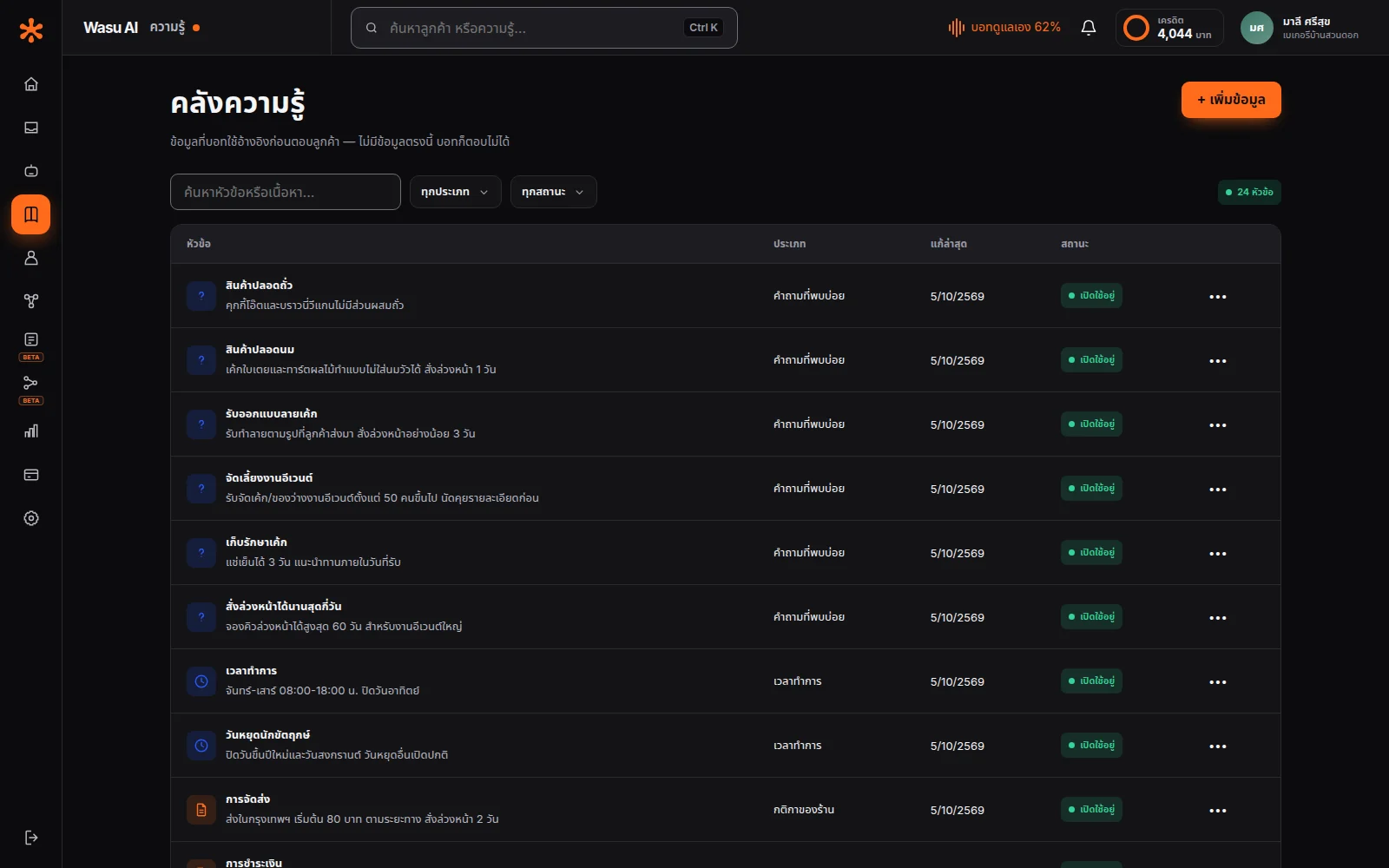
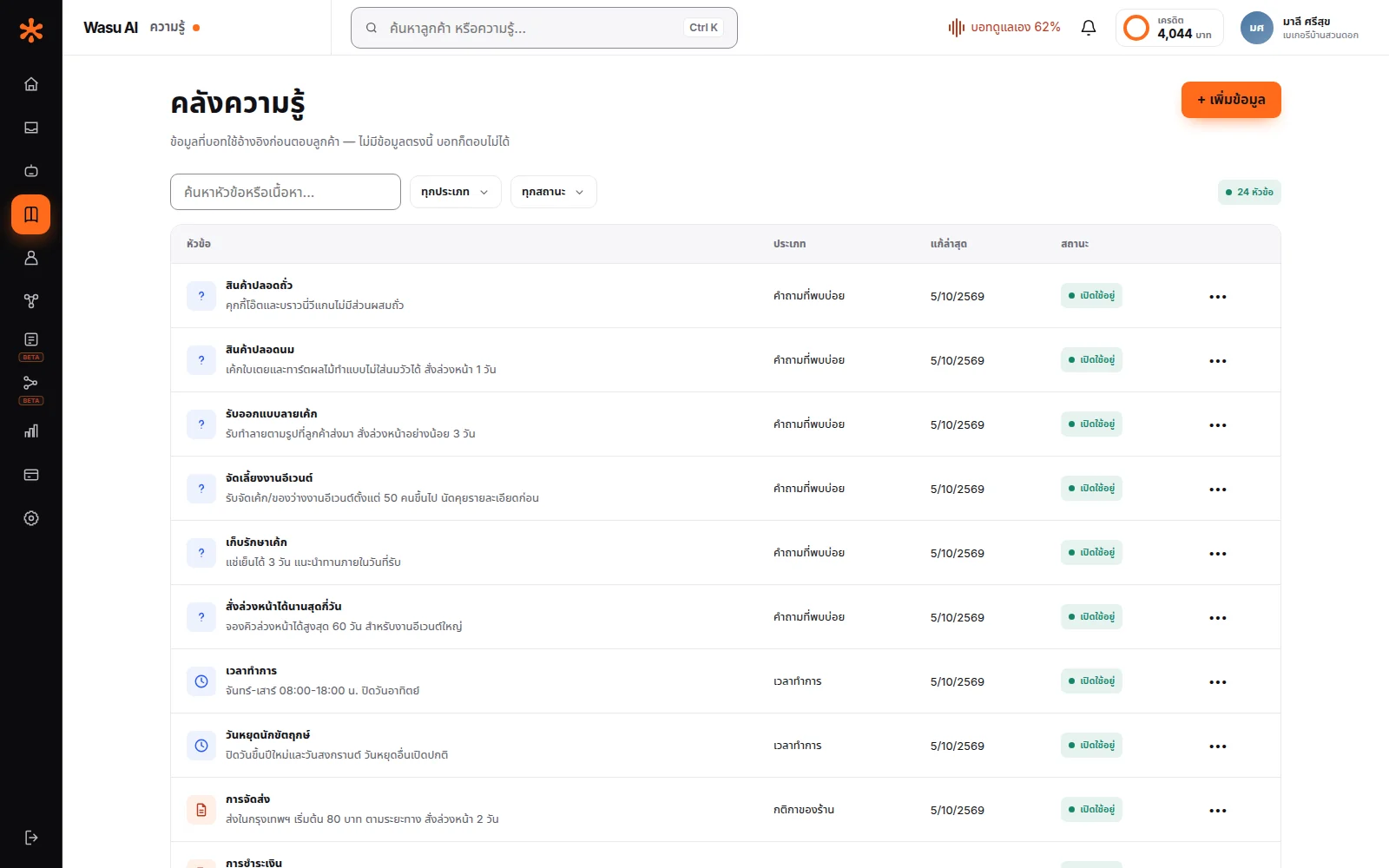
Split into 5 types so items are easy to find again later when you need to edit them.
FAQ — a straight question-and-answer pair, the easiest place to start · Product info — name, price, size, ingredients, terms · Promotions — what's discounted, until when, under what conditions · Business hours — including special holidays · Store policy — returns, warranty, delivery.
Each one is its own item, not one giant blob of text — so when you need to edit something, you only touch that one item, and when a promotion ends you can switch off just that one without touching anything else.
Switching off is different from deleting — it keeps the item but stops the bot from using it to answer. When the same promo comes back next year, just switch it back on instead of retyping it.
The bot can send files to customers on its own
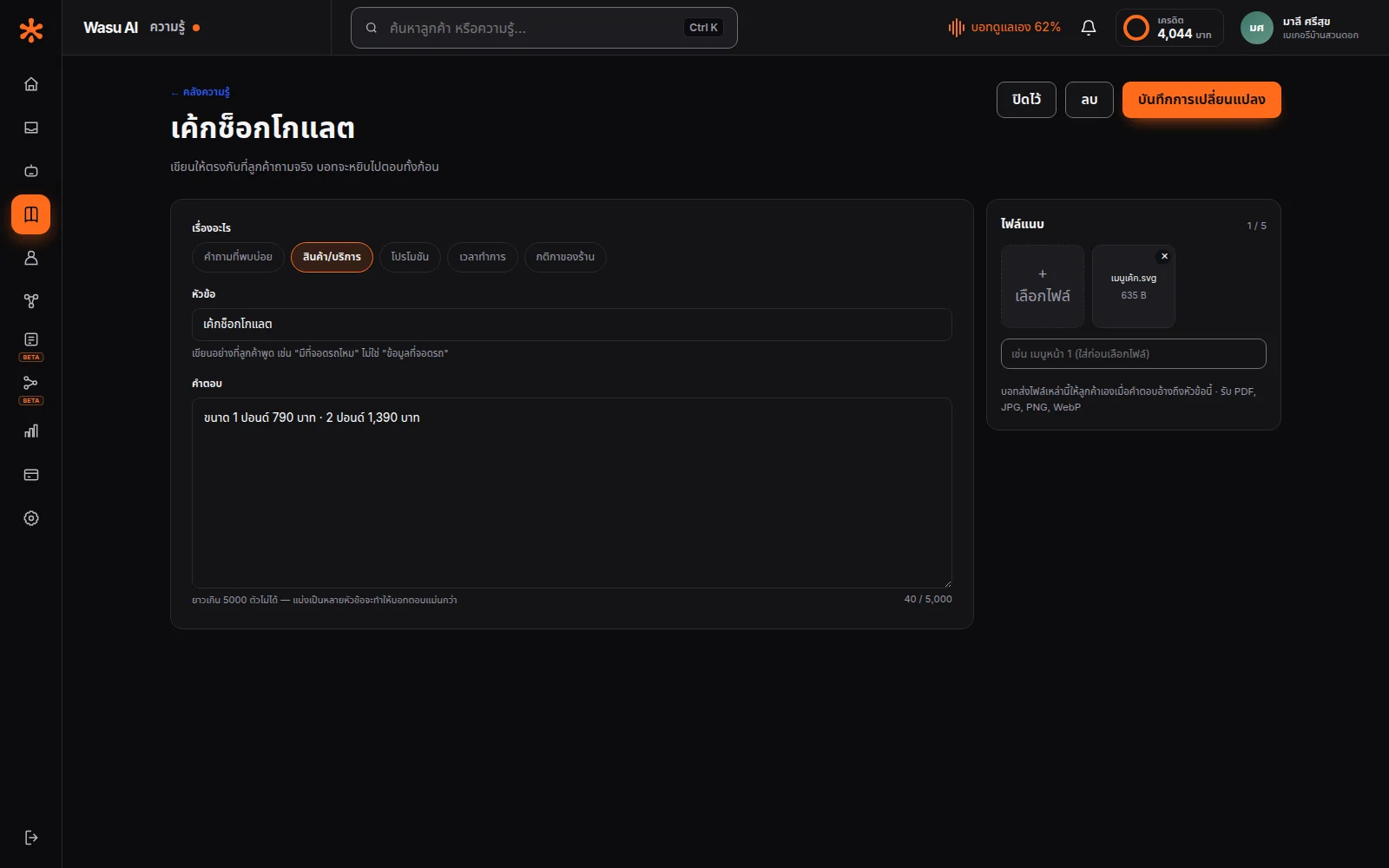
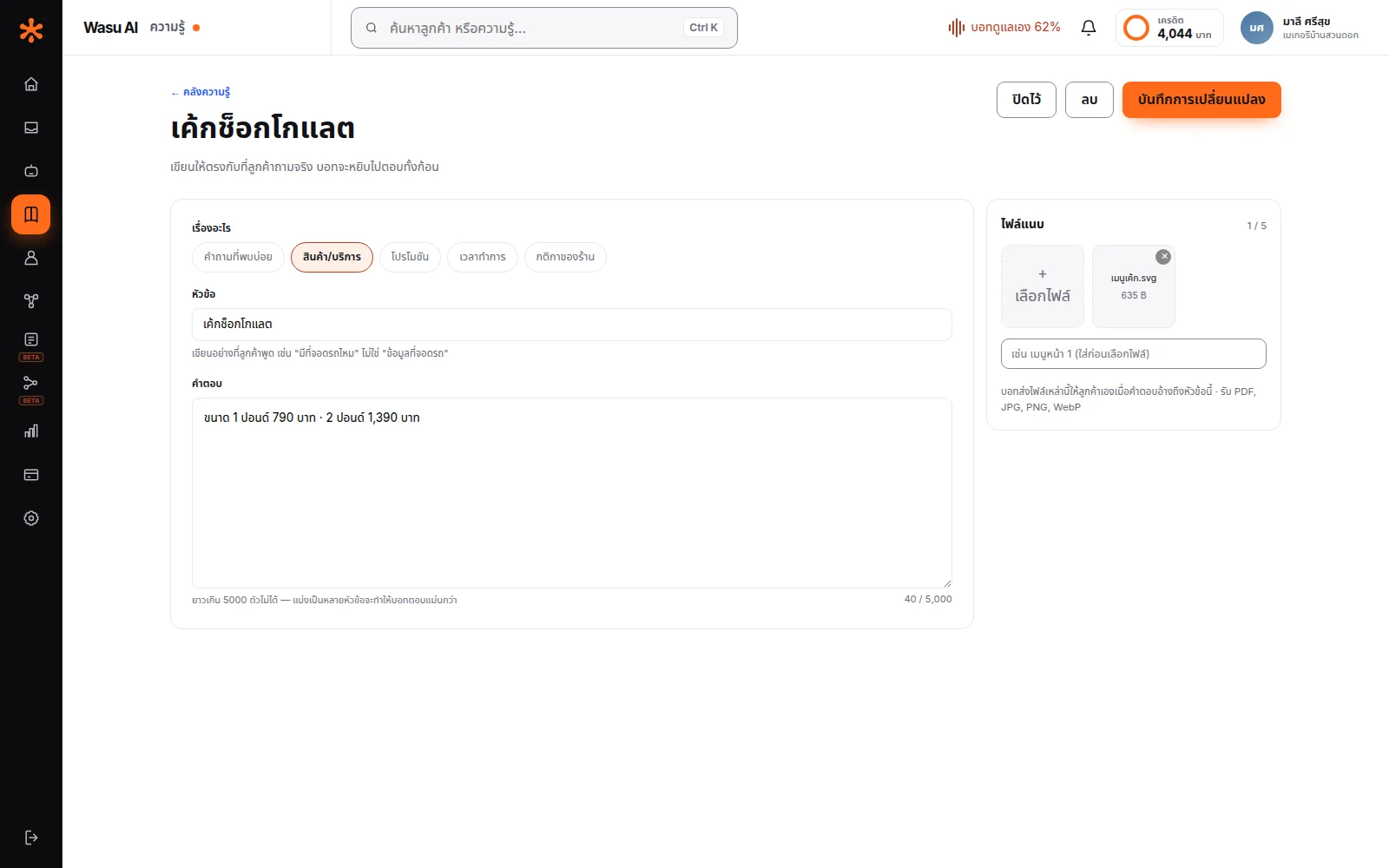
Attach up to 5 images or documents to any item.
This really pays off for businesses that need to show things — a customer asks about the menu, the bot sends the menu photo directly; asks about a floor plan, it sends the plan; asks for a certificate, it sends the PDF.
No more waiting for an admin to dig through a folder of images and send them one customer at a time — one of the most time-consuming, tedious parts of running a page.
Why it understands Thai questions
This is something we found by measuring against real data, not from theory.
At first we built it the way most systems do: have the bot rely on keyword search as the primary method — take whatever the customer typed and search the knowledge base for that exact wording. That works fine for English, which has clear spaces between words.
Once we measured it against real Thai shop data, the result was: it barely found anything.
A real example we ran into: a customer typed "order food" and the search returned zero results, even though the knowledge base had an item titled "ordering method."
The reason is that keyword search like that only catches an exact character match — and once Thai is written without spaces between words, and the customer types different words than the shop did, it simply doesn't find it.
So we stopped relying on keyword search as the main method — instead, the AI reads the table of contents of the whole knowledge base first, then decides for itself which item this question should open, like someone flipping to a book's index and knowing exactly which page to turn to.
Keyword search is still there, kept as a fallback for when the AI looks at the table of contents and still can't tell which item covers the question — and we've set the rule that the bot checks that search first before telling a customer there's no information.
The result is far more accurate for the way Thai customers actually type questions.
Edits take effect immediately
Change a price, add a new product, switch off an expired promo — edit it in the knowledge base and the bot uses the new information starting with the very next message.
No retraining to wait for, no one else needed to push the update, no support ticket to file.
This matters more than it sounds for shops whose prices move often or that run out of stock on certain days — if you can't fix the information yourself instantly, the bot turns into something that causes problems instead of solving them.
You can start with just a little
Most shops get stuck thinking they need to prepare everything before they can start using it — that's not true.
Starting with your 10 most-asked questions is already enough to go live. Add more later as you run into questions the bot can't answer.
The approach that works well is turning it on early with unknown questions routed to staff, then watching which questions get routed most often — that list is exactly what you should add to the knowledge base next.
Frequently asked questions
10 items is enough to begin — add more later based on real questions the bot couldn't answer.
No. Every shop-data table carries a shop ID, and every query is filtered by yours at the data-access layer — not filtered at the point of display. For channel connections, the database itself enforces that one page can only ever belong to one shop.
The bot doesn't read the whole knowledge base every time — it only sees the list of item titles, then opens the ones that are relevant. Cost depends on the content it actually opens, not the size of the whole knowledge base. That said, the list of titles is sent every time, so a very large knowledge base does add a few satang to each reply's cost — and you can see every baht of it on the credit page.
The bot uses everything that's currently switched on, so if two items conflict, the answer gets confused — it's better to switch off the outdated one than leave both active.
Let AI look after your customers, starting today
Turn every conversation into an opportunity for your business
Start for free