Let the system follow up on its own after a customer messages
Answering customers well isn't quite enough on its own — Wasu AI can be set to follow up automatically too, no coding required.
It's live and we maintain it every day, but some of the details and the interface may still change. Let us know right away if you run into anything.
A customer who quietly disappears is revenue that quietly disappears
Picture something that happens in every shop, every day.
A customer asks about pricing, the bot answers, the customer reads it and goes quiet — not a "no," just not decided yet, and then they forget about it entirely.
If nobody follows up, that customer is gone and the shop doesn't even realize it, because there's nothing visible to flag it. It's not like a customer who says "too expensive" — at least then you know why.
Following up on customers who've gone quiet is a task people rarely get around to, because it means remembering exactly who messaged when and when they stopped replying — a job machines handle far better than people do.
What you can set the system to do next
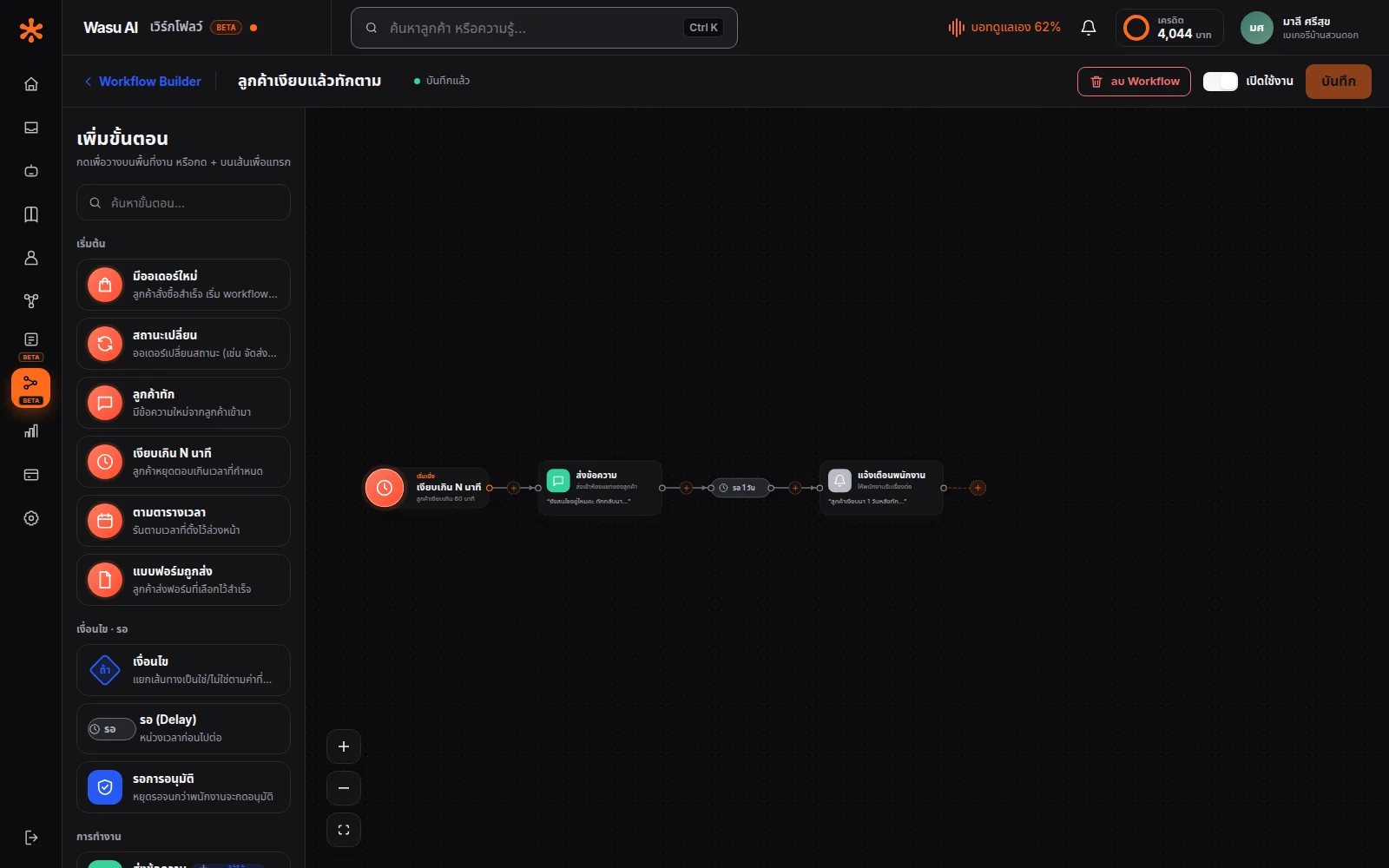
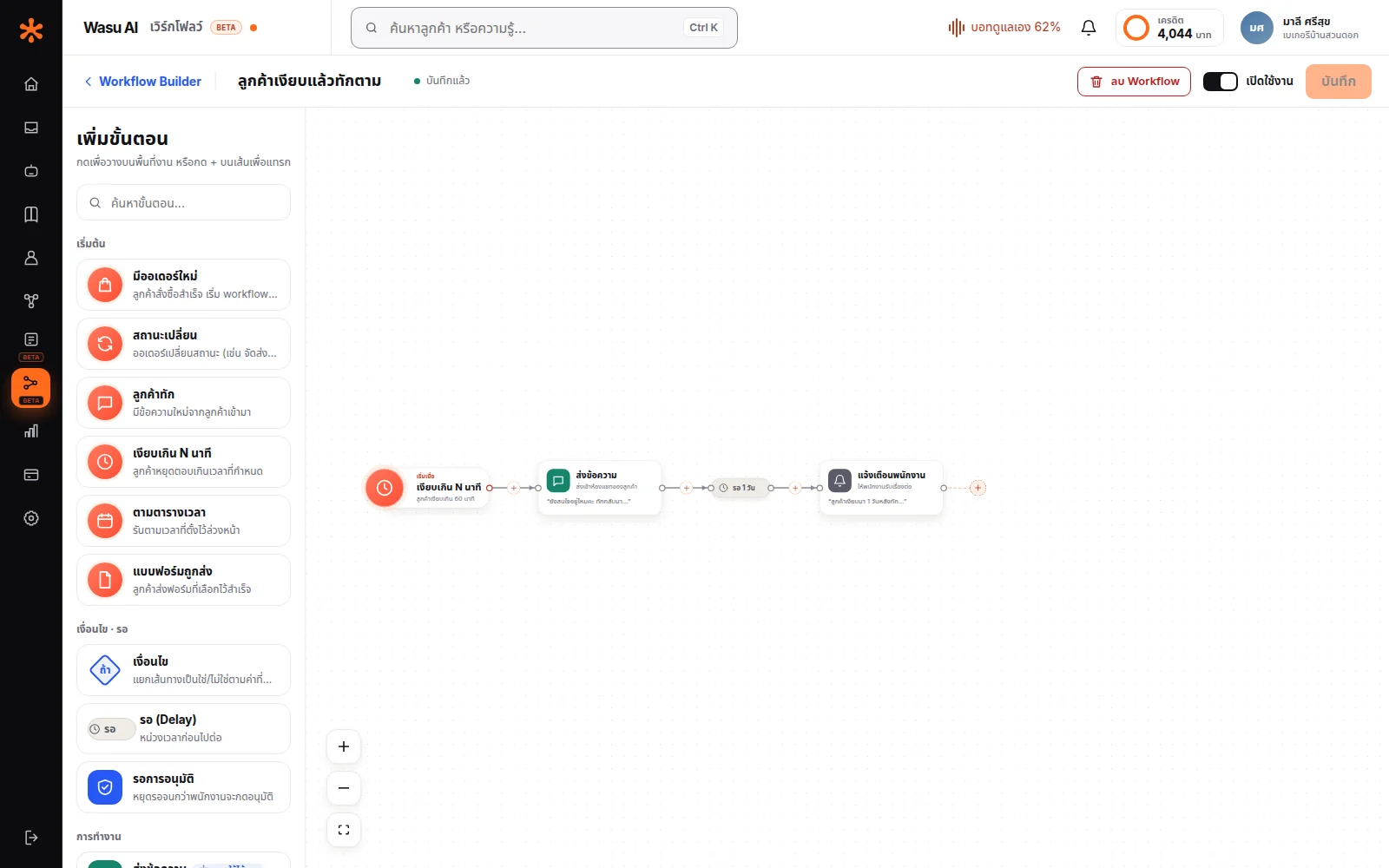
Pick a trigger, a condition, and an action, then connect them into a diagram on screen by dragging lines — no coding needed.
Examples shops actually use:
Follow up on quiet customers — no reply for over an hour → send the message you wrote to check in → still quiet a day later → notify staff to call them.
Flag large orders — order total above a set amount → ping the team's Telegram group instantly, no one has to watch the screen.
Route customers who need a human — the bot hits a question that needs judgment → tag it → call in staff.
Every action in the diagram is something you wrote yourself in advance. The messages a workflow sends are the ones you wrote, with values from the order or the customer slotted into the fields you chose — not text the AI composed.
Start from a template, not a blank page
A blank canvas is the single biggest reason people give up on this feature — they open it and don't know where to start.
We provide ready-made templates you can pick from — open one and you'll already see a working diagram. Just edit the wording to match your shop and turn it on.
You can still change the structure later if you want — nothing's locked in.
Forms for collecting customer info
Some things are slow and error-prone to ask one field at a time in chat — booking a slot, ordering something with multiple options, filing a claim that needs a photo attached.
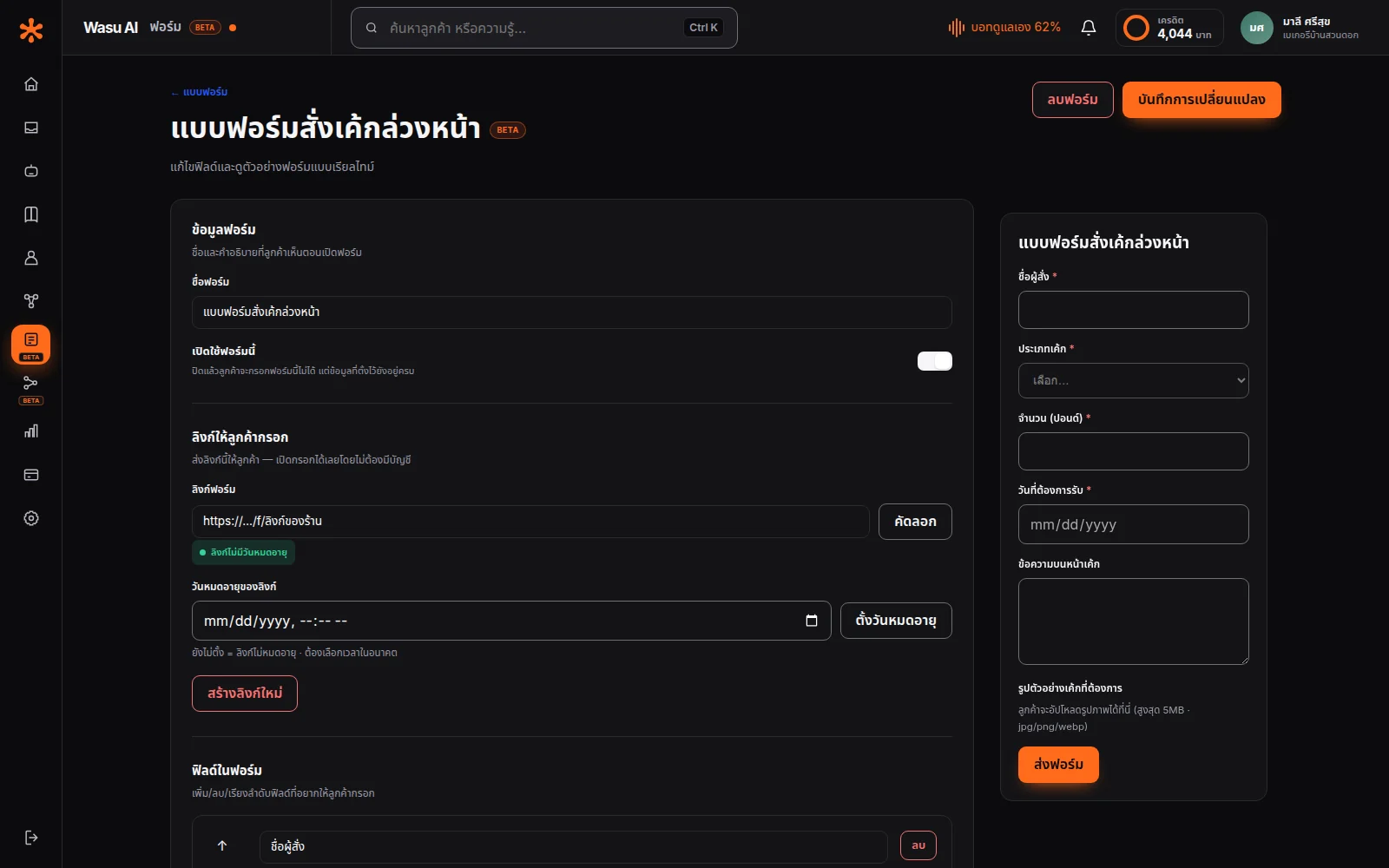
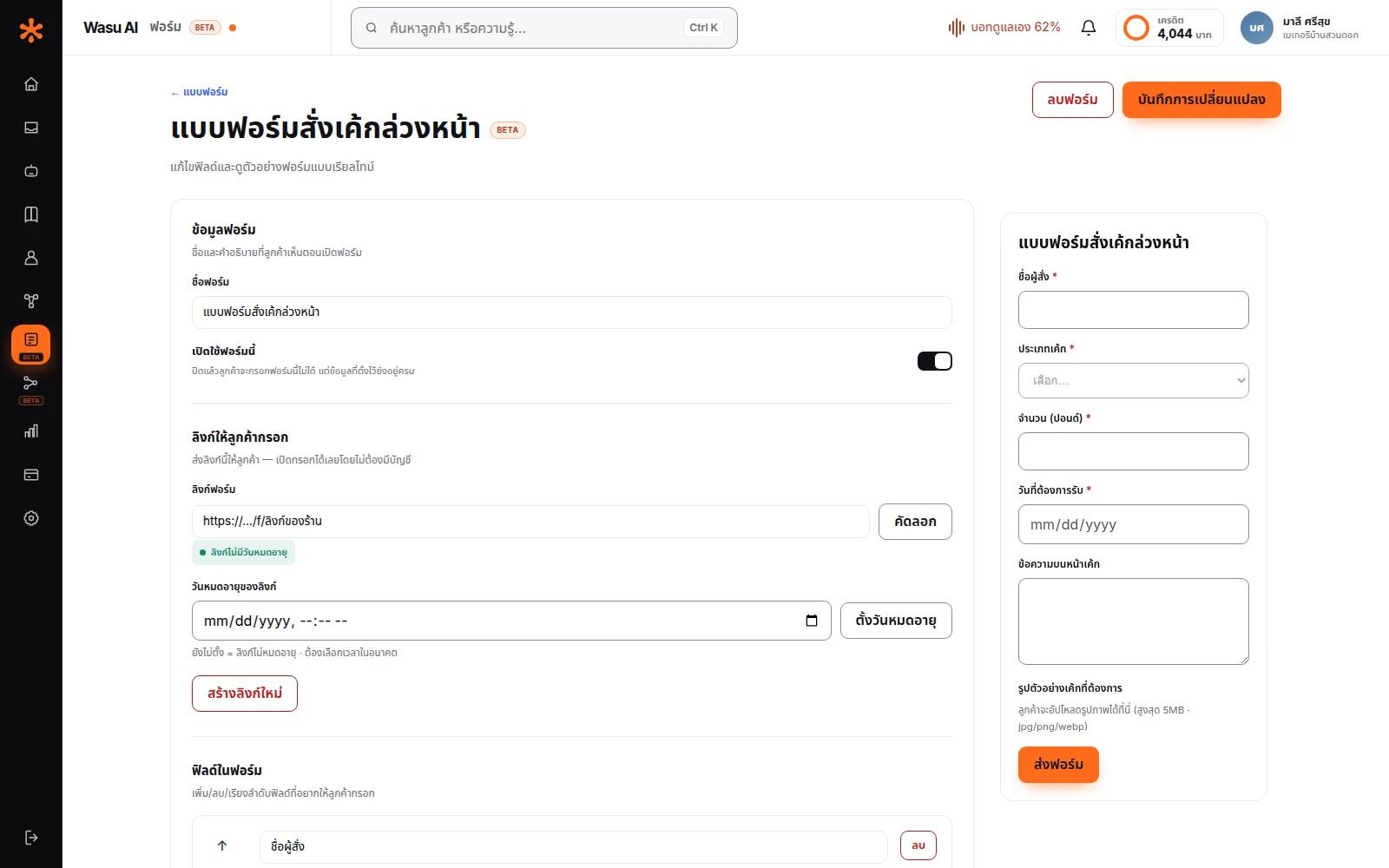
Build your own form right in the system, with 6 field types to choose from: short text · long text · number · date · dropdown · image. Up to 30 fields per form.
Share the link right in the chat and customers can fill it out immediately — no signup, no app download, just tap the link and fill it in on their phone.
If a link ends up somewhere it shouldn't, rotate it instantly — the old link stops working right away.
All responses are viewable in the system, including any photos customers attached — no need to go hunting through a separate Google Form.
Connect to the systems your shop already uses
If your shop already has an order system or back office, you don't need to migrate to ours.
Feed order data into Wasu AI so it can carry on the workflow — for example, alerting the team about an order that needs special attention, or, if that order came from a chat the customer messaged in, sending a confirmation back into that same room (your existing system needs to pass along Wasu AI's room ID for that to work).
There's a setup page with sample data included, so whoever maintains your existing system can take it from there.
Frequently asked questions
No — just drag and connect on screen.
Every action is something you wrote yourself, the messages a workflow sends are the ones you wrote rather than text the AI composed, and you can switch off the whole workflow at any time with immediate effect.
It means it's genuinely usable and we maintain it, but some details and the interface may still change. We label it so you know in advance — not to dodge responsibility.
That depends on how you write it — most shops write it to sound natural, the same way staff would follow up.
Let AI look after your customers, starting today
Turn every conversation into an opportunity for your business
Start for free