Every message, from every channel, in one screen
No more switching between apps, and no more worrying that a customer got lost in an inbox you forgot to open.
A problem every online shop shares
A single shop gets customers messaging in from at least three places — its own LINE, its Facebook page, and Instagram. Some shops have a website chat box on top of that.
That means one staff member has to keep three or four apps open at once, switching between them all day — and every switch is a chance to forget to check back on the other inbox.
The problem isn't slow replies. It's not knowing someone's waiting. A customer who messages in the afternoon and gets seen by nobody until evening usually isn't still waiting — they've already bought from somewhere else.
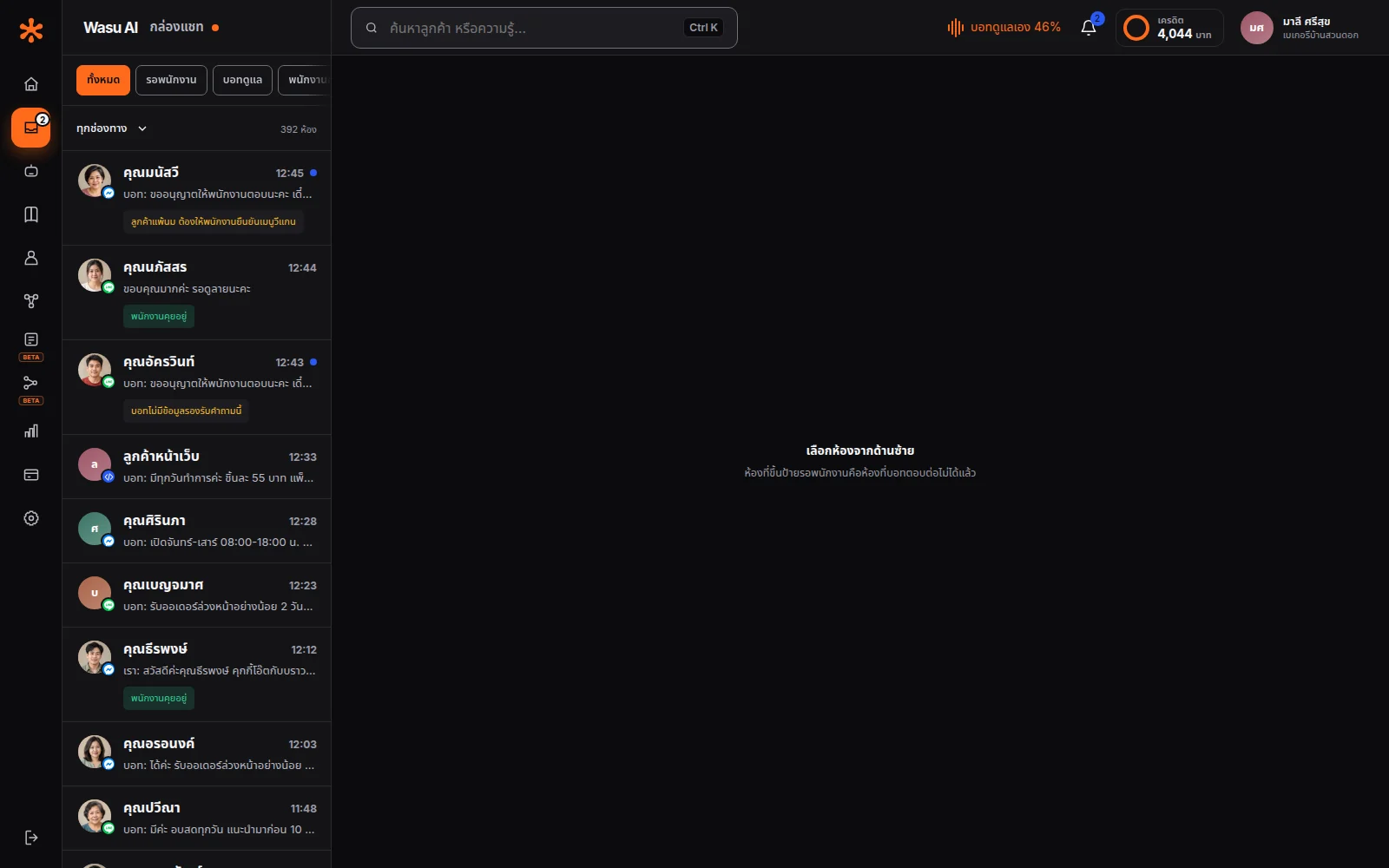
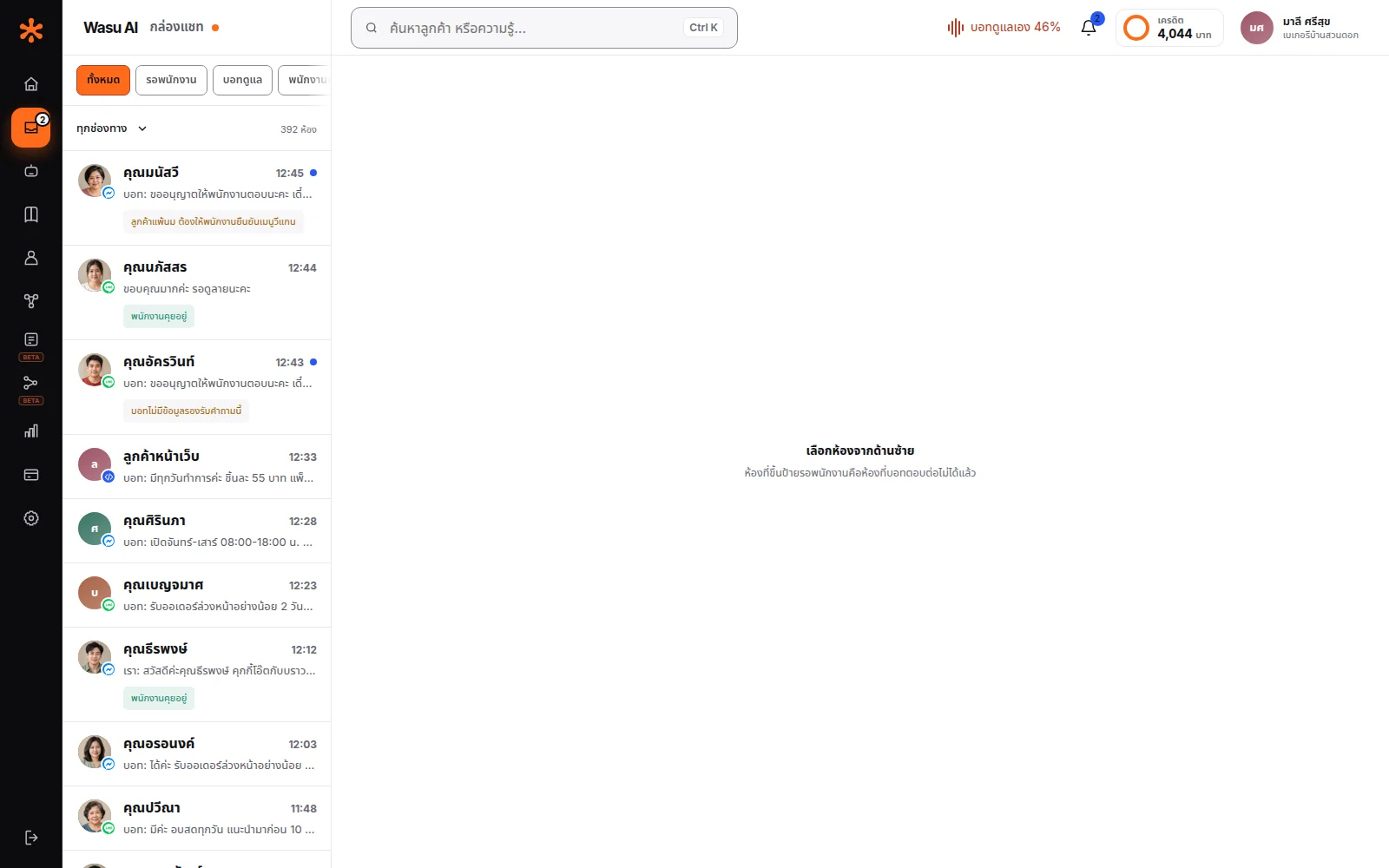
Four channels, one inbox
LINE OA — paste in the Channel ID and Secret from LINE's management page. The system tells you the exact URL to paste back in, with a button to verify the connection actually works — no guessing.
Facebook and Instagram — one consent click covers both. No copying tokens, no setting up webhooks yourself — the system pulls in both the page and the Instagram account linked to it in that single click.
Website chat — paste one line of script onto your page and you have an AI chat box on your own site. This channel doesn't need any platform's permission, and customers don't need any app to use it.
Every channel flows into the same inbox, but the system still knows where each message came from — staff can see immediately which channel a customer is messaging from.
Messages appear on their own — no refreshing
See customers typing in real time, just like a normal chat app. Leave the page open and go do something else — the moment someone messages, it shows up on its own.
This sounds small, but it changes how people work — if you had to refresh manually, people would stop keeping the page open, and once they stop, you're back to the original problem: not knowing someone's waiting.
Staff can step in anytime
Every room has one of three clear states: bot handling it · staff handling it · closed.
A staff member can take over any room — the bot stops replying in that room immediately. There's never a case of a person and the bot typing over each other.
Once the conversation's done, choose to close the room or hand it back to the bot — if handed back, the same customer messaging again another day starts fresh with the bot as normal.
The screen makes it obvious which rooms are waiting for staff, so the team picks up the right room instead of opening each one to check which needs a person.
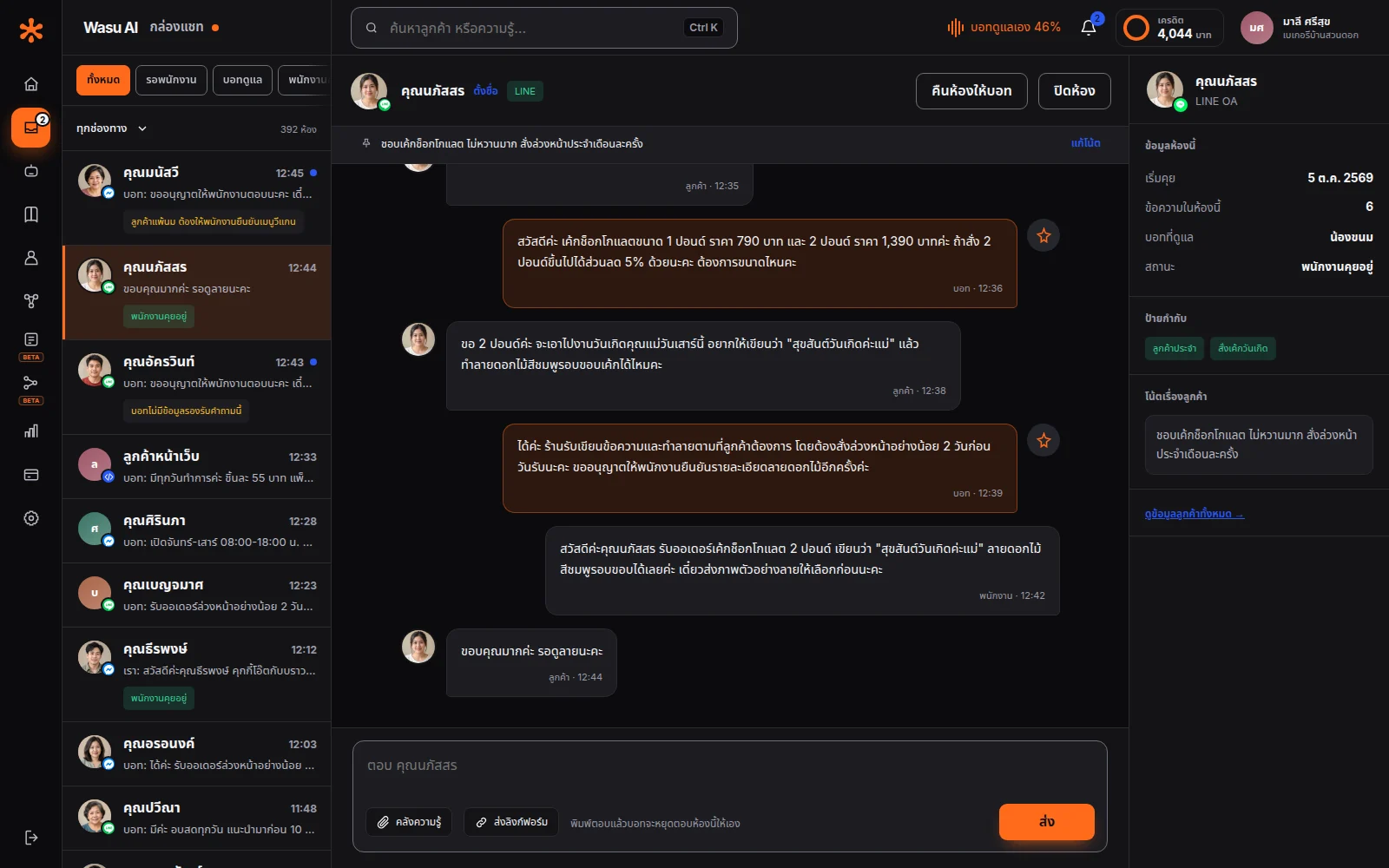
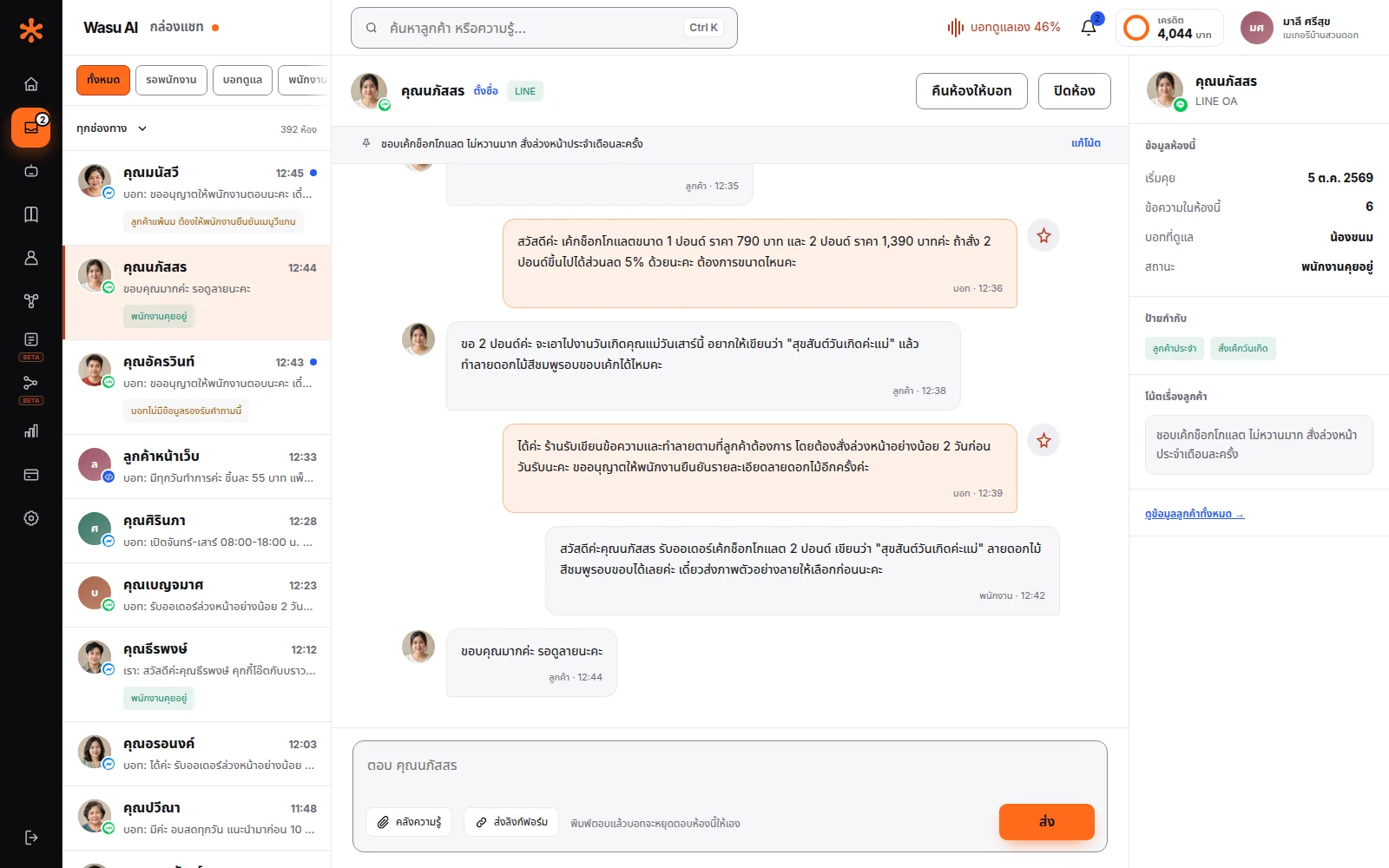
Recognize customers who come back
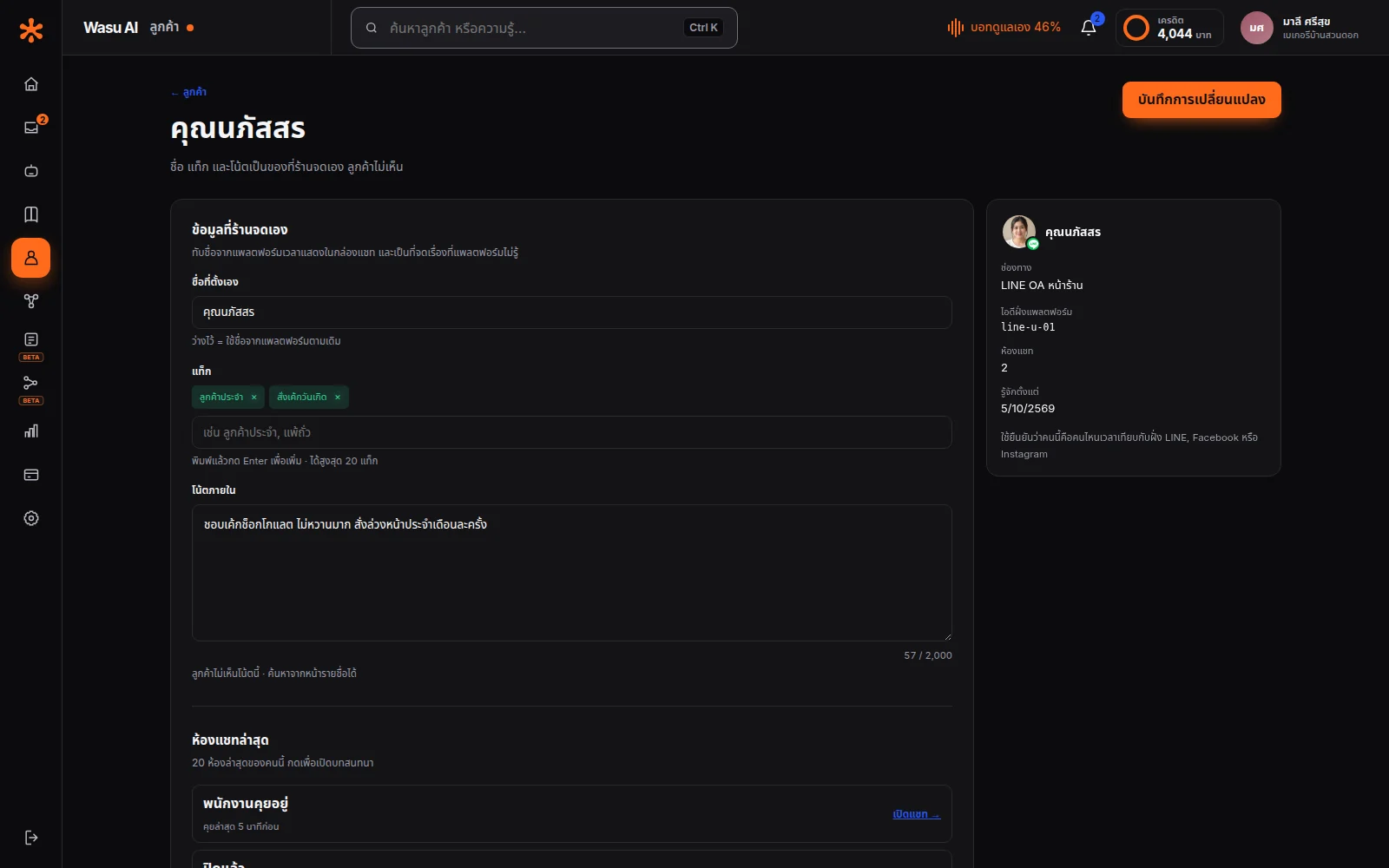
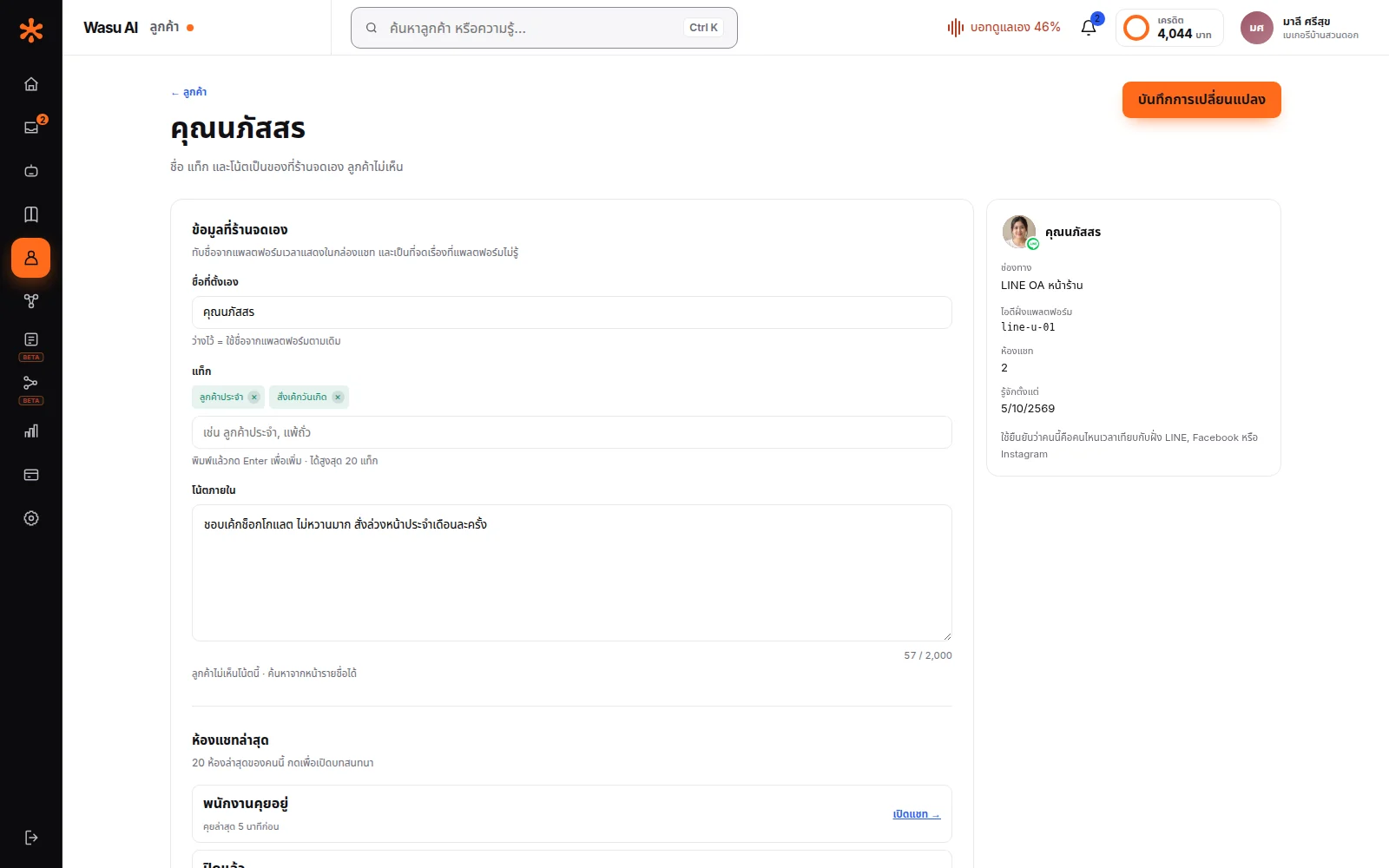
There's a separate customer list page — not just the chat inbox.
Search by name, by their platform ID, or by a note a staff member wrote — the real benefit shows up when a customer calls or messages again and says "I ordered last week," and your team can actually find it.
Tag customers — "regular," "nut allergy," "pending transfer," "wholesale" — so next time they message, your team sees it instantly without scrolling back through the whole conversation. Write notes for things a customer never typed but your team knows, like "prefers a call before delivery" or "can only receive deliveries before 3pm at work."
See your shop's status in 5 seconds
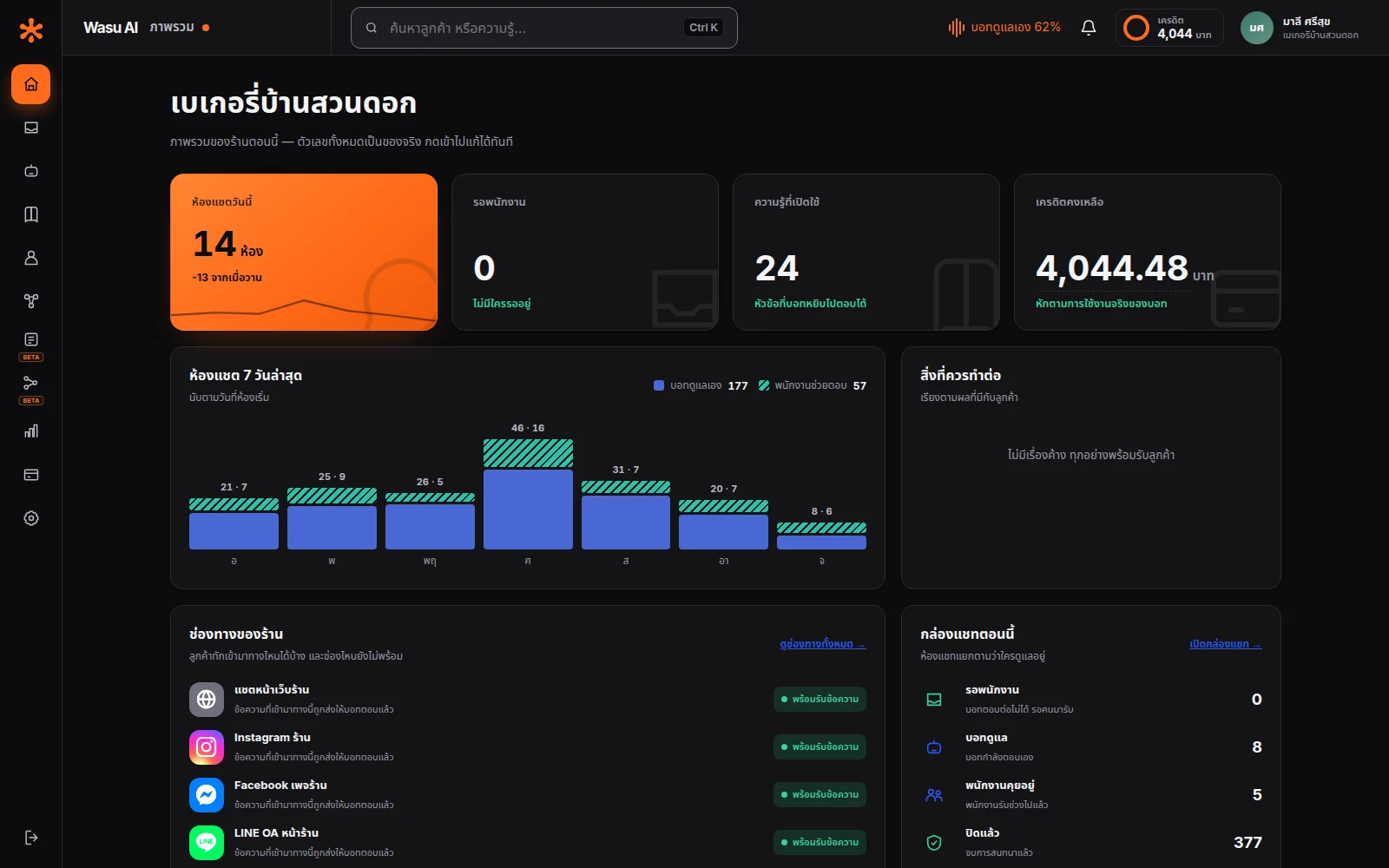
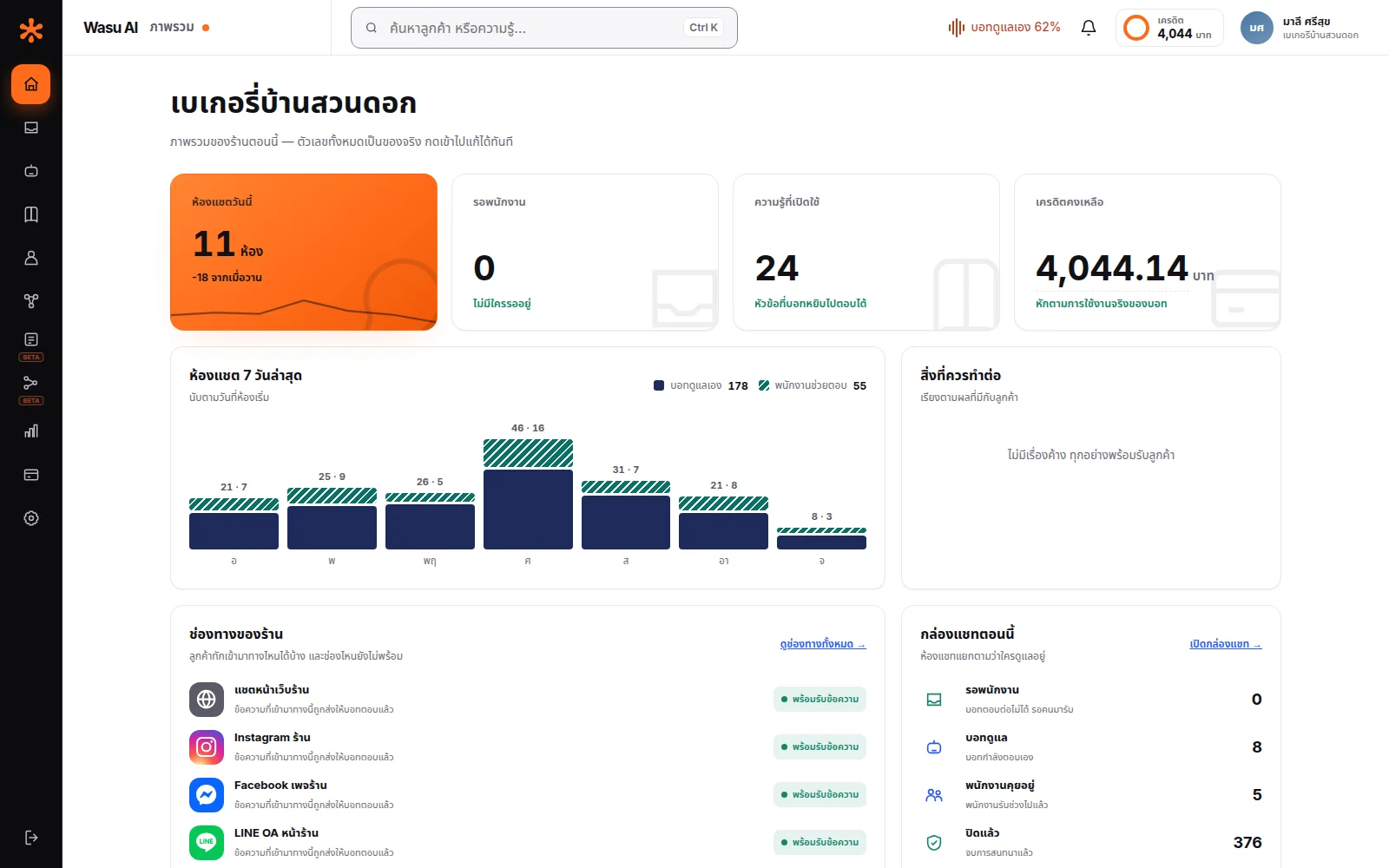
Open the system and immediately see: how many rooms are waiting for staff · how many the bot is handling · how many knowledge items are active · how many channels are connected · how much credit is left.
One detail we were deliberate about: if a number fails to load, the system says so — it never shows zero instead.
"Nobody's waiting" and "we don't know yet if anyone's waiting" are completely different things. A system that shows zero when it simply failed to load makes people close the screen while a customer is actually waiting.
Frequently asked questions
No. The page and LINE OA you're already using keep working exactly as before — Wasu AI just connects in, and you can disconnect it anytime.
You decide how the bot introduces itself, if at all — some shops say so directly, some don't, it's up to your policy.
Yes — set it to always hand off to staff, and just get the benefit of having every channel in one place.
There's no invite-a-staff-member button yet, so teams with multiple people currently share one shop account — you can be logged in on several devices at once, and the screen shows which room someone's already taken over so you don't get duplicate replies (it just can't tell you which person that was yet).
Let AI look after your customers, starting today
Turn every conversation into an opportunity for your business
Start for free