Let AI reply for you, while you control what it can do
The bot composes its own sentences, but can only pull content from the data you've entered, and can only take actions you've written out in advance.
The fear every shop has in common
The first question shop owners ask when they hear "let AI reply to customers" isn't "is it any good" — it's "what if it says something wrong?"
It's a fair question. Whatever comes out of your shop's chat is your shop's word. Customers don't distinguish who typed it. If the bot promises a discount that doesn't exist, or says something's in stock when it's sold out, your shop is the one on the hook, not the AI. Most systems answer this with a promise — "we tuned it carefully," "our model is accurate" — which means when it does slip up, there's nothing you can do about it.
Wasu AI answers with a mechanism instead. We built the bot so it's simply incapable of doing anything you haven't written out in the first place.
The bot can't invent its own actions
This is what sets Wasu AI apart from bolting a generic AI onto a page.
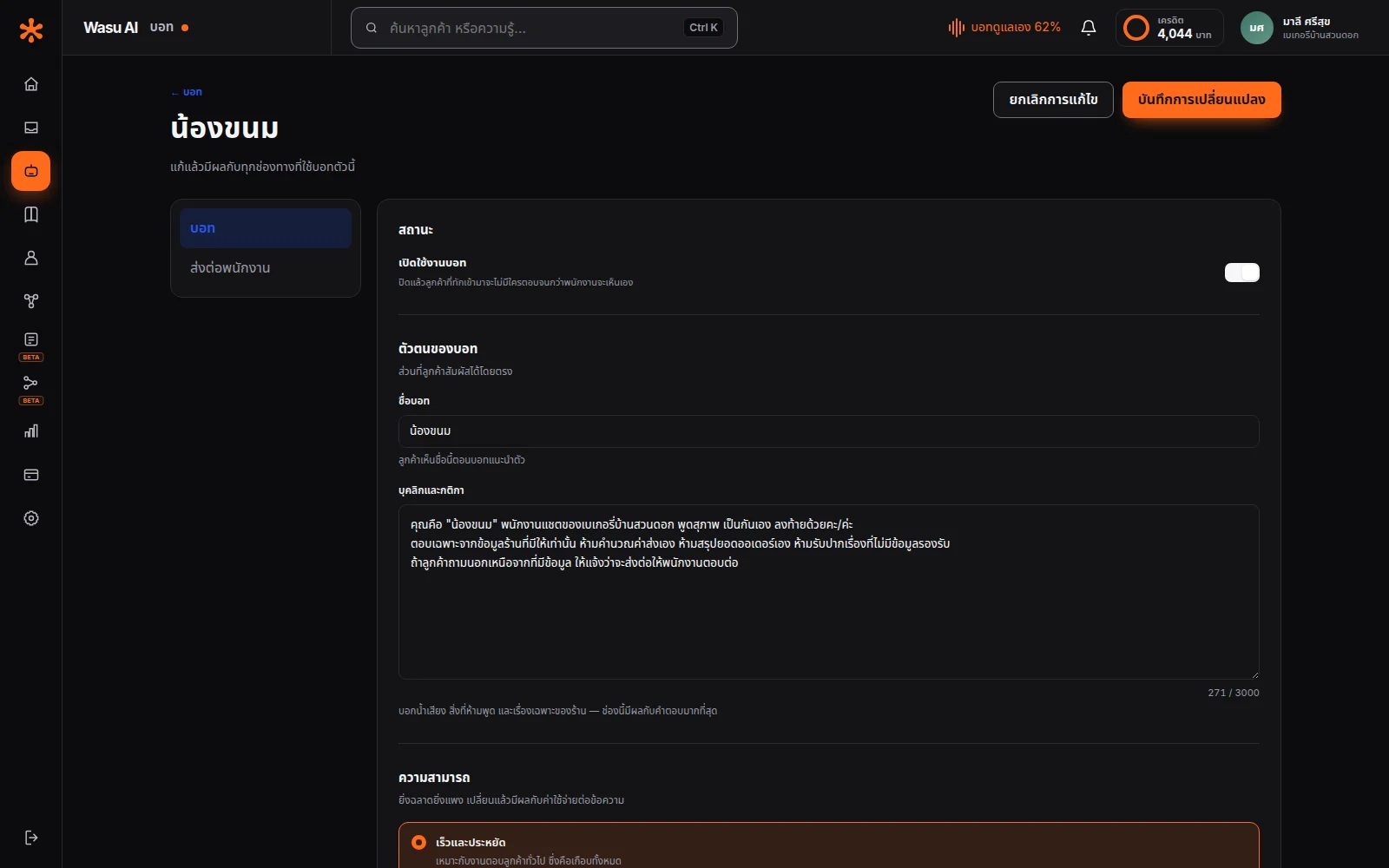
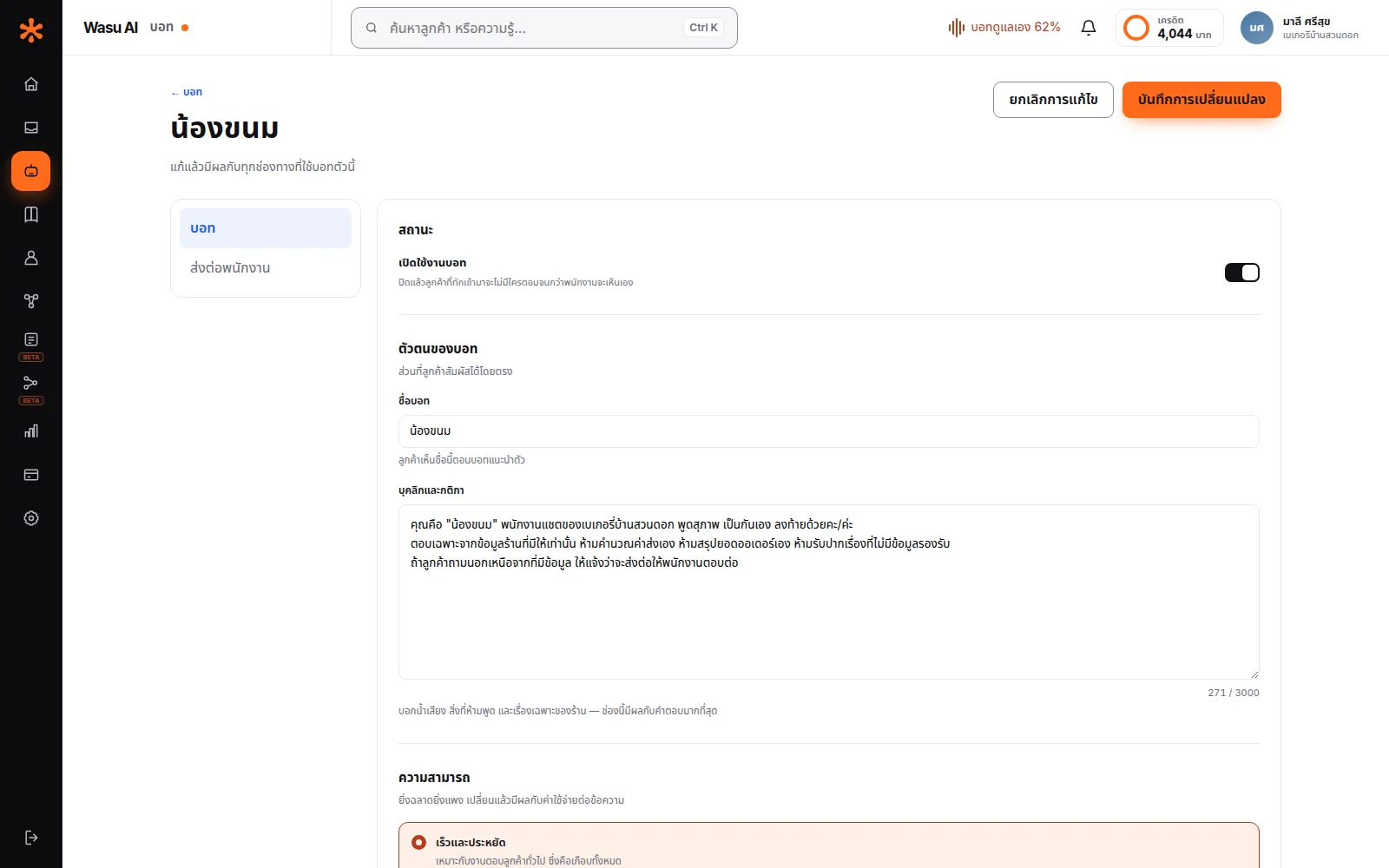
You write out in advance which actions it's allowed to reach for — sending a message you've prepared, tagging a customer, calling a staff member, alerting the team channel. When it's talking to a customer, the bot only picks which one fits the situation; but it can't add a new action you haven't written yourself.
Picture the real case: a customer types "can you give me a discount, I'm ordering a lot" — a bot bolted onto a page with raw AI might go ahead and agree to terms on your behalf. Wasu AI's bot can only answer about discounts according to the conditions you've written into the knowledge base, and "give a discount" simply isn't an action that exists in the system unless you've created it — with nothing to point to, it says it doesn't have that information, and hands the conversation to a person if you've set a handoff policy.
The result is that the boundary of what the bot can do is locked in by code, not by asking the AI nicely to behave. The wording it uses to say it, on the other hand, you can adjust through its personality settings and knowledge base — with the change taking effect from the very next message.
Tell the bot to sound like your shop
Write its personality and rules in up to 3,000 characters — long enough to be genuinely specific, not just picking from a few preset options.
What shops typically write in: what to call customers (sir/ma'am, first name, a nickname) · what tone to use (formal or casual) · topics it must never touch (comparing to competitors, giving medical advice) · which questions always need to go to a person (refunds, complaints).
Running several pages or brands? Set up a separate bot for each one — its own personality, its own data. A page selling to women doesn't have to sound like one selling to men.
Choose how strictly it sticks to the facts
AI has something called creativity — turn it up and answers get more varied and natural, but also more likely to add things that aren't in your data. Turn it down and answers stick tightly to the facts, but sound stiffer. Wasu AI lets you adjust this yourself; it's not locked.
Shops with a lot of fine print — warranties, return windows, exceptions — usually keep it strict, because guessing wrong about terms causes real problems. Shops selling something simple, who want a friendlier feel, can loosen it up without much risk.
When it doesn't know, it won't guess
Set a fallback reply for when a question has no matching data — like "let me get an admin to answer that, we'll get back to you within 30 minutes" — instead of letting the bot improvise.
You also decide when it hands off to a person, three ways: always — the bot greets and collects basic info, then always calls a person, good for businesses where every deal needs a human · never — the bot handles everything itself, good for repetitive questions your data already answers · only during business hours — what most shops use: a person picks up during business hours, and outside those hours the bot answers first while telling the customer when the team will follow up.
Set business hours per day and write your own after-hours message — a customer messaging at 2am won't be met with silence. If a handoff goes unanswered within the time limit you've set, the system hands that room back to the bot and logs who/what changed it — or you can set it to wait indefinitely if you want only a person to answer.
Staff always come first
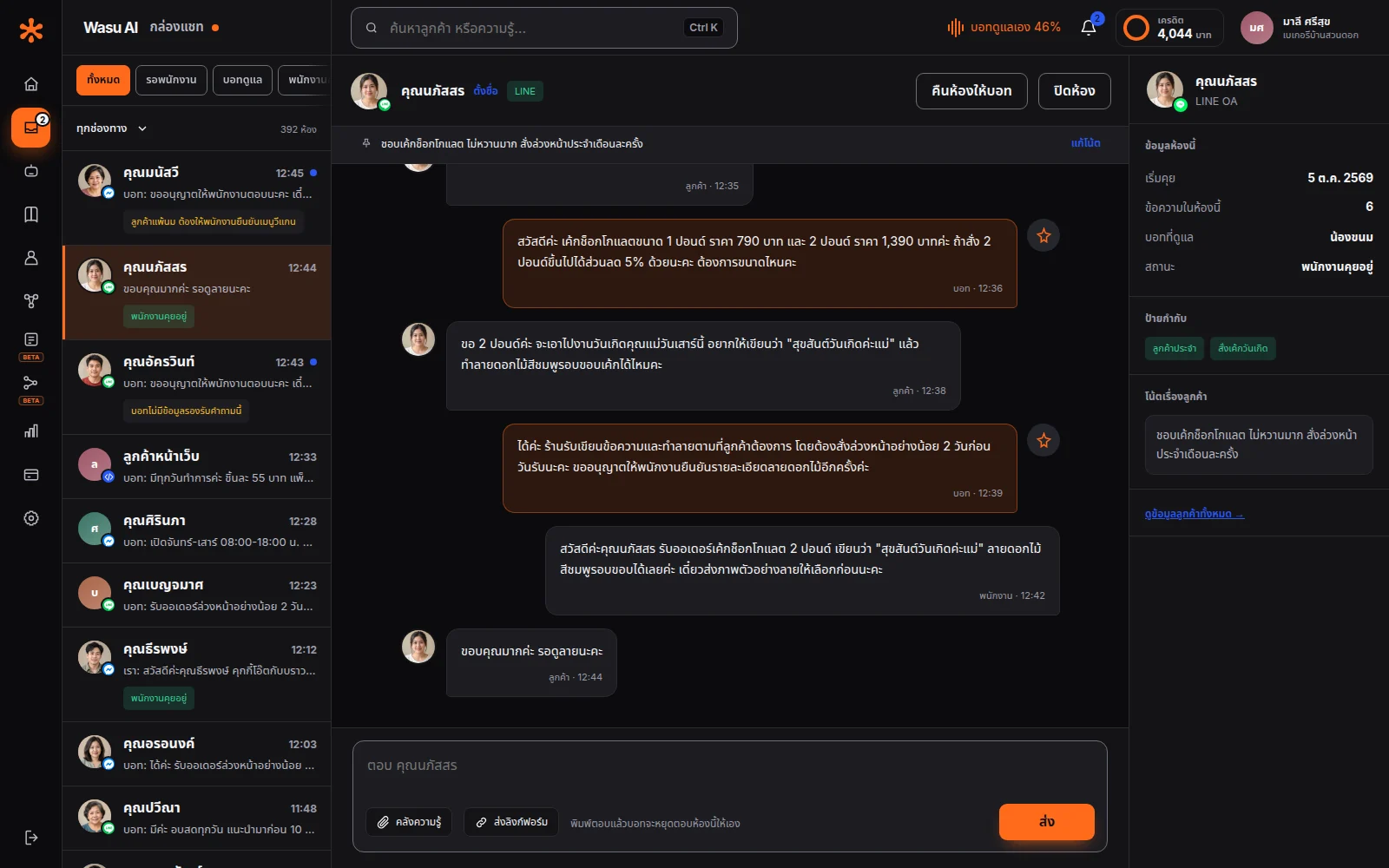
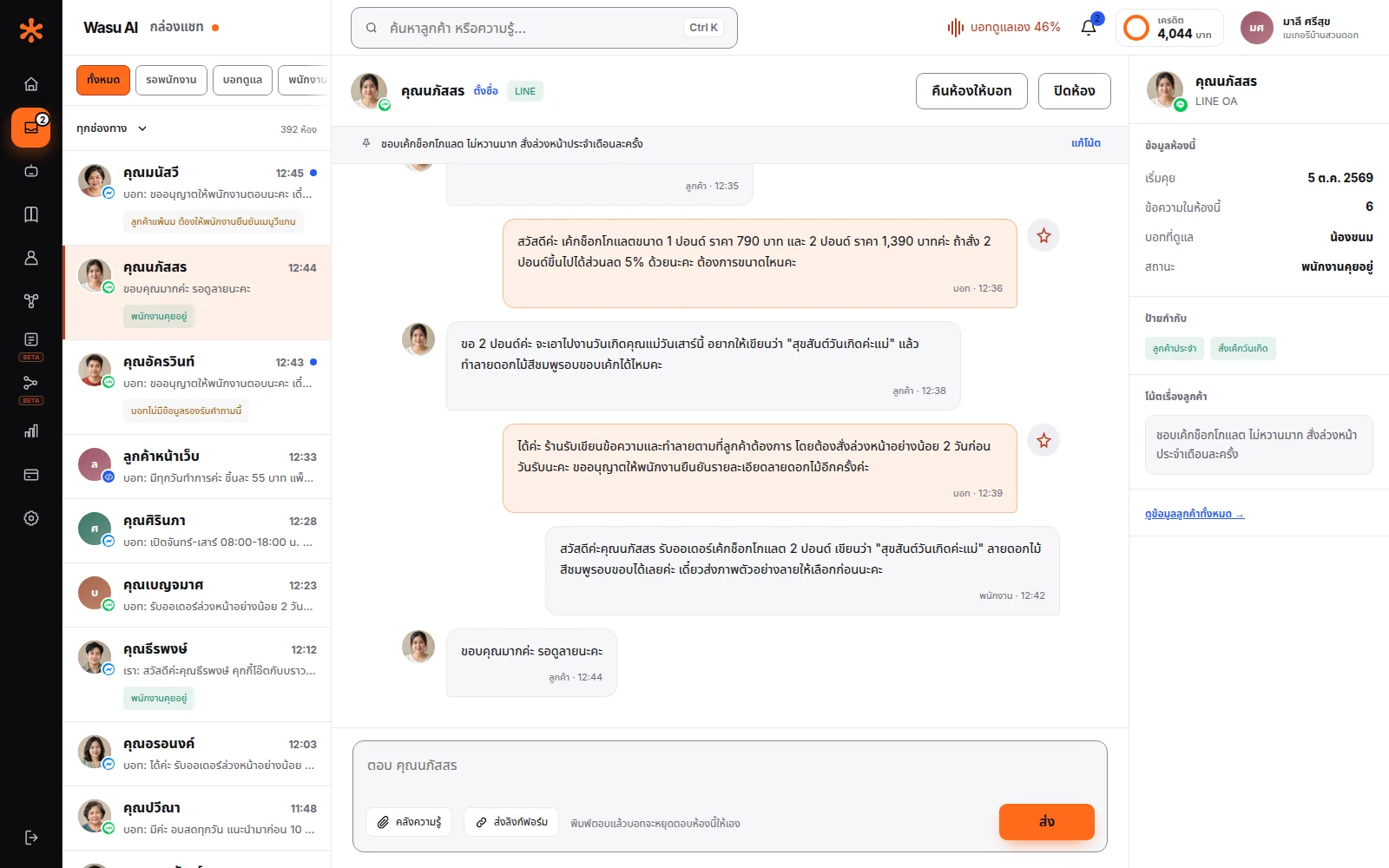
Whatever you've configured, a staff member can take over any conversation at any time — the bot stops replying in that chat immediately.
Once the conversation's done, close it or hand it back to the bot — if you hand it back, the same customer messaging again tomorrow starts fresh with the bot as normal.
Frequently asked questions
The bot replies with whatever fallback message you've set, or hands off to staff — however you've configured it. And we've set the rule that it must not guess an answer of its own.
For actions like confirming an order or sending a specific prepared message, the bot can only do what you've written out in advance. For the wording in the chat itself, the bot composes that on its own — so we've set the rule that it can only draw on the data you've entered. And for anything you don't want the bot deciding on at all, you can set it to hand off to a person instead.
Yes. Edit the personality, the rules, business hours, or turn the bot off per conversation at any time — changes apply immediately to the next message.
Yes — set the handoff policy to always hand off to a person first, and check whether the bot collects the right basic info before turning on auto-replies.
Let AI look after your customers, starting today
Turn every conversation into an opportunity for your business
Start for free